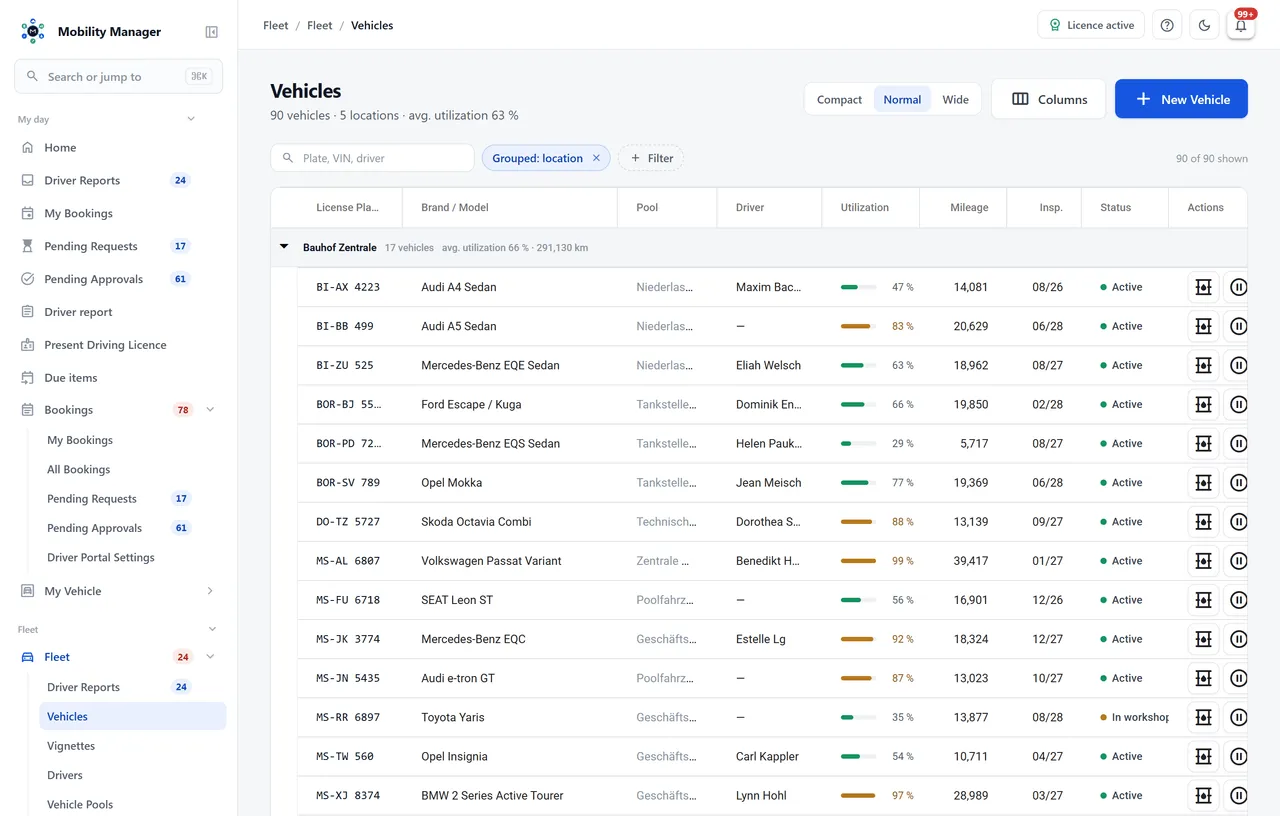
20+ tabs per vehicle
Master data, technical data, registration, plates, equipment, tyres, vignettes, due dates, contracts, purchase & tax, costs, receipts, damages, insurance, maintenance, fuel, truck/trailer, documents, e-mails, data sheet and usage history.
Counters beyond the odometer
Kilometres, operating hours, a second hour counter and starts — each with its reading, warning threshold and serial number. Replacing an odometer is a recorded event, so lifetime mileage stays correct across the swap.
Site on the vehicle
Depot, agency or branch as its own master datum. It is also the axis the row-level site visibility boundary uses to decide who sees the vehicle at all.
Lifecycle instead of an active flag
Planned (ordered, not yet delivered), in service and retired. Planned vehicles can be excluded from booking while already appearing in planning — commissioning and retirement are documented events.
Odometer readings with provenance
Single entry, bulk entry across the fleet, or a driver submission from the self-service portal — every reading with timestamp, source and plausibility check.
Plate and registration history
Re-plating, de-registration and re-registration stay traceable. Old plates remain searchable so historic fines and receipts can still be matched.
Leasing and acquisition data
Purchase, lease or rental including terms, instalments and residual values — the basis for cost accounting in the Fleet Cost Cockpit.
Vehicle file as PDF
Export the complete file with one click — for audits, handovers, resale or a public procurement file.